
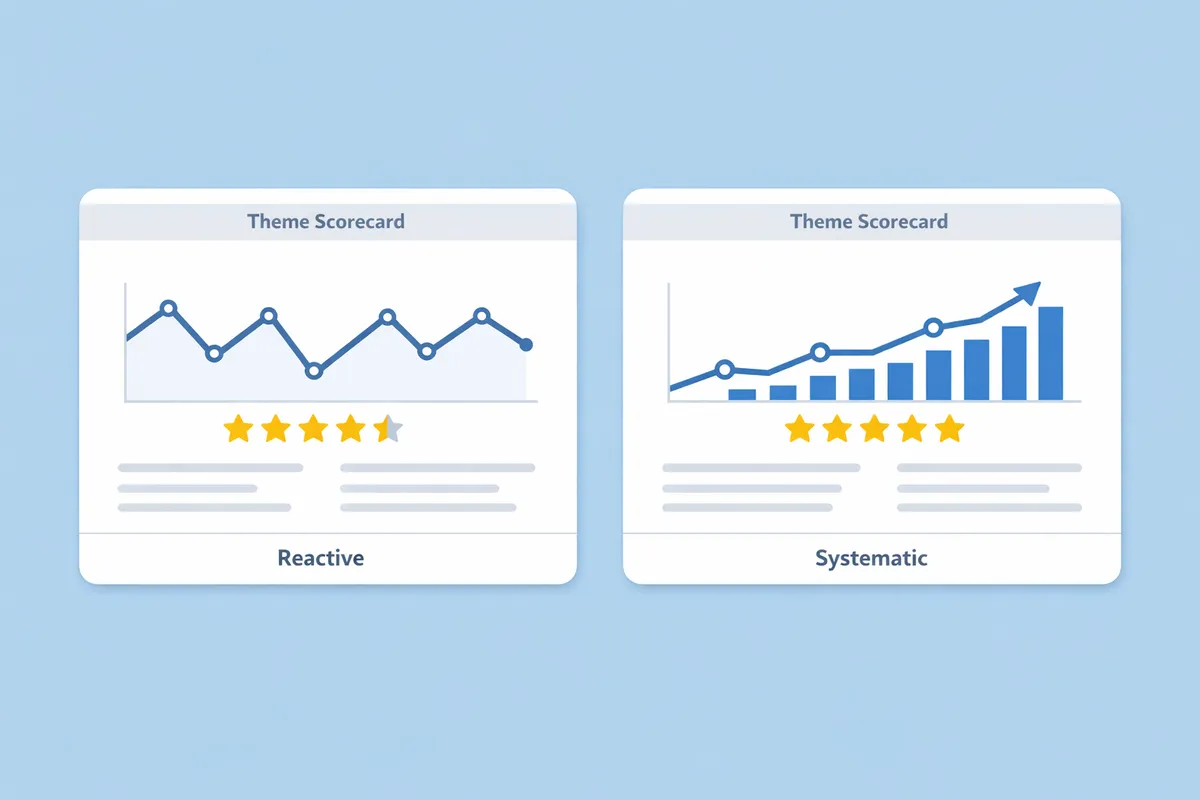
Most businesses read reviews, respond to them, and move on. The best businesses do something different: they systematically track themes, measure improvements, and use reviews as an early warning system for operational problems. The difference is a theme scorecard—a simple tool that transforms scattered feedback into structured intelligence.
For businesses looking to automate theme tracking, ReviewSense offers AI-powered analytics that builds your scorecard automatically from incoming reviews.
Why You Need a Theme Scorecard
Individual reviews are anecdotes. Aggregated themes are data. Without systematic tracking, you'll find yourself addressing the same issues repeatedly, never quite sure if your improvements are working.
A theme scorecard helps you:
- Identify patterns – See which issues appear most frequently
- Measure progress – Track whether improvements are actually working
- Prioritise resources – Focus effort where it will have the biggest impact
- Close the loop – Update your responses when fixes are implemented
- Prevent recurrence – Address root causes, not just symptoms
According to BrightLocal research, 93% of consumers expect businesses to respond to reviews. But responding without fixing underlying issues just creates a cycle of apologies. The scorecard breaks that cycle.
The Theme Scorecard Template
Here's a practical template you can implement in a spreadsheet or project management tool:
Core Scorecard Fields
| Field | Description | Example |
|---|---|---|
| Theme Name | Clear, specific label for the issue | "Wait time - peak hours" |
| Frequency (%) | % of negative reviews mentioning this theme | 32% |
| Severity (Avg Rating) | Average star rating when mentioned | 2.1 stars |
| Trend | Direction vs last month (↑↓→) | ↓ (improving) |
| Owner | Person responsible for addressing | "Kitchen Manager" |
| Status | Current state of the fix | "In progress" |
| Fix Description | What's being done | "Added prep cook for lunch rush" |
| Target Date | When improvement expected | "March 15" |
| Review Date | Next scorecard check | "April 1" |
Sample Completed Scorecard
┌─────────────────────────────────────────────────────────────────────────┐
│ MONTHLY THEME SCORECARD - March 2025                                    │
├─────────────────────────────────────────────────────────────────────────┤
│ Theme              │ Freq  │ Sev   │ Trend │ Owner    │ Status         │
├─────────────────────────────────────────────────────────────────────────┤
│ Wait time (lunch)  │ 32%   │ 2.1★  │ ↓     │ K.Smith  │ Fix deployed   │
│ Parking difficulty │ 18%   │ 3.0★  │ →     │ J.Chen   │ Planning       │
│ Staff knowledge    │ 15%   │ 2.5★  │ ↑     │ T.Brown  │ In progress    │
│ Food temperature   │ 12%   │ 2.3★  │ ↓     │ K.Smith  │ Monitoring     │
│ Noise level        │ 8%    │ 3.2★  │ →     │ M.Davis  │ Deprioritised  │
└─────────────────────────────────────────────────────────────────────────┘

Actions This Month:
• Wait time: New ticket system live since March 1 - monitoring
• Staff knowledge: Training program launching March 10
• Food temperature: Heat lamps installed March 5

Next Review: April 1, 2025
How to Build Your First Scorecard
Step 1: Gather Your Review Data
Export reviews from the last 90 days across all platforms:
- Google Business Profile
- Trustpilot
- Industry-specific platforms
Focus on reviews with 3 stars or fewer—these contain the issues you need to track.
Step 2: Identify Your Initial Themes
Read through 50-100 negative reviews and note recurring topics. Most businesses will find 5-10 themes that capture 80% of complaints.
Common theme categories:
| Category | Example Themes |
|---|---|
| Speed/Timing | Wait time, delivery delays, appointment running late |
| Staff | Friendliness, knowledge, attentiveness, professionalism |
| Product/Service | Quality, accuracy, completeness, consistency |
| Environment | Cleanliness, noise, temperature, ambience |
| Value | Pricing, portions, hidden fees, worth for money |
| Communication | Clarity, responsiveness, follow-up |
Step 3: Tag and Quantify
Go through each negative review and tag it with relevant themes. One review can have multiple themes. Then calculate:
Frequency: (Reviews mentioning theme / Total negative reviews) × 100
Severity: Average star rating of reviews mentioning this theme
Step 4: Assign Ownership
Each theme needs an owner—someone responsible for:
- Investigating root causes
- Proposing fixes
- Implementing changes
- Reporting progress
Without ownership, themes become complaints that everyone knows about but nobody addresses.
Step 5: Set Review Cadence
Schedule monthly scorecard reviews. During each review:
- Update frequency and severity for each theme
- Calculate trends (up, down, stable)
- Review progress on active fixes
- Decide on new priorities
Tracking Improvement Over Time
The real value of a scorecard emerges over months as you build trend data.
6-Month Trend View
| Theme | Jan | Feb | Mar | Apr | May | Jun | Change |
|---|---|---|---|---|---|---|---|
| Wait time | 38% | 35% | 32% | 28% | 22% | 18% | -20% |
| Staff knowledge | 12% | 15% | 18% | 16% | 14% | 10% | -2% |
| Parking | 15% | 16% | 18% | 17% | 18% | 19% | +4% |
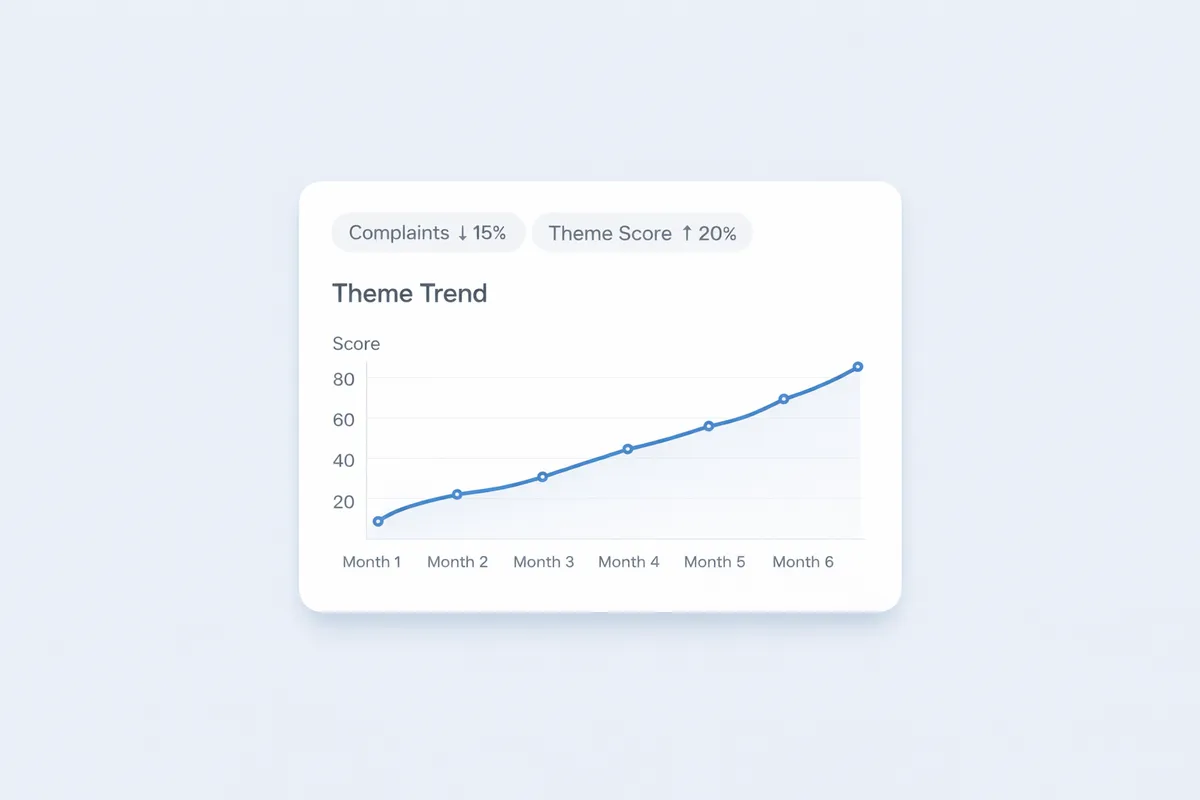
Reading the data:
- Wait time: Dramatic improvement following fixes—success
- Staff knowledge: Spike then decline—training addressed it
- Parking: Slowly worsening—needs attention or deprioritisation decision
When Themes Don't Improve
If a theme's frequency isn't declining after 60-90 days of attempted fixes:
- Re-examine the root cause – Your diagnosis may be wrong
- Evaluate the fix – Implementation may be incomplete
- Consider scope – The issue may be structural (e.g., parking capacity)
- Accept or escalate – Some issues require larger investments
Not every theme can be fixed quickly or cheaply. The scorecard helps you make informed decisions about where to invest.
The Close-Loop System: Updating Your Responses
When you fix a recurring issue, your review responses become marketing tools. Here's how to close the loop:
Before Fix Implementation
Hi [Name], thank you for the feedback about wait times. We're aware this
has been an issue during lunch hours and are actively working on improvements.
We appreciate your patience.
After Fix Implementation
Hi [Name], thank you for sharing this. Since your visit, we've implemented
a new order management system and added staff during peak hours. Our average
wait times have dropped by 40% over the past two months. We'd love the chance
to show you the difference—please reach out for a complimentary side on your
next visit.
Systematic Response Updates
When a fix goes live, update your response approach:
- Create a new template reflecting the change
- Review recent responses to that theme
- Add follow-up comments to old reviews (where platform allows)
- Train staff on new messaging
Future customers reading old complaints will see both the issue and your response demonstrating the fix.
Monthly Review Meeting Agenda
Keep scorecard reviews focused and actionable with this agenda:
15-Minute Monthly Review
1. Metrics Update (5 minutes)
- Review frequency and severity changes for each theme
- Note any themes crossing alert thresholds
- Celebrate improvements
2. Progress Reports (5 minutes)
- Each owner updates on their theme
- What's been done, what's working, what's not
- Blockers and resource needs
3. Decisions (5 minutes)
- Reprioritise themes based on new data
- Assign new themes that have emerged
- Set targets for next month
Quarterly Deep Dive
Every quarter, do a more comprehensive review:
- Analyse 6-month trends
- Evaluate structural issues requiring investment
- Compare against competitors (if tracking)
- Update theme categories if needed
How ReviewSense Helps With Theme Scorecards
Building and maintaining a scorecard manually is time-consuming. ReviewSense automates the process:
- Automatic Theme Detection – AI identifies and categorises themes from new reviews as they arrive
- Real-Time Metrics – Frequency and severity calculations update automatically
- Trend Visualisation – See theme trends over time without manual spreadsheet work
- Alert System – Get notified when themes spike or exceed thresholds
- Progress Tracking – Log fixes and monitor their impact on theme frequency
- Report Generation – Create monthly scorecard reports automatically
Instead of spending hours on data entry and calculation, you focus on analysis and action—the activities that actually improve your business.
Start Building Your Scorecard Today
A theme scorecard transforms review management from reactive firefighting into proactive improvement. The businesses that systematically track and address recurring issues build reputations that compound—while competitors keep apologising for the same problems.
This week:
- Export your last 90 days of negative reviews
- Identify your top 5 recurring themes
- Create your first scorecard with ownership assignments
- Schedule your first monthly review meeting
The data is already there in your reviews. The scorecard just makes it visible.
Not sure whether you should respond to every review? Our guide on review response policy helps you build a sustainable approach that balances thoroughness with time management.
![10 Best Review Management Software for 2026 [Expert Comparison]](/_next/image?url=%2Fimages%2Fposts%2Fbest-review-management-software-2026-featured.webp&w=3840&q=75 "10 Best Review Management Software for 2026 [Expert Comparison]")