
Managing your Google reviews has never been more critical for local and online businesses. Whether you operate a brick‑and‑mortar store or an e‑commerce brand, learning how to manage Google reviews effectively can significantly impact your online visibility, customer trust, and revenue.
For businesses looking to streamline how they handle customer feedback, ReviewSense’s Google Review Management tools provide an integrated, AI‑powered solution.
Why Managing Google Reviews Matters
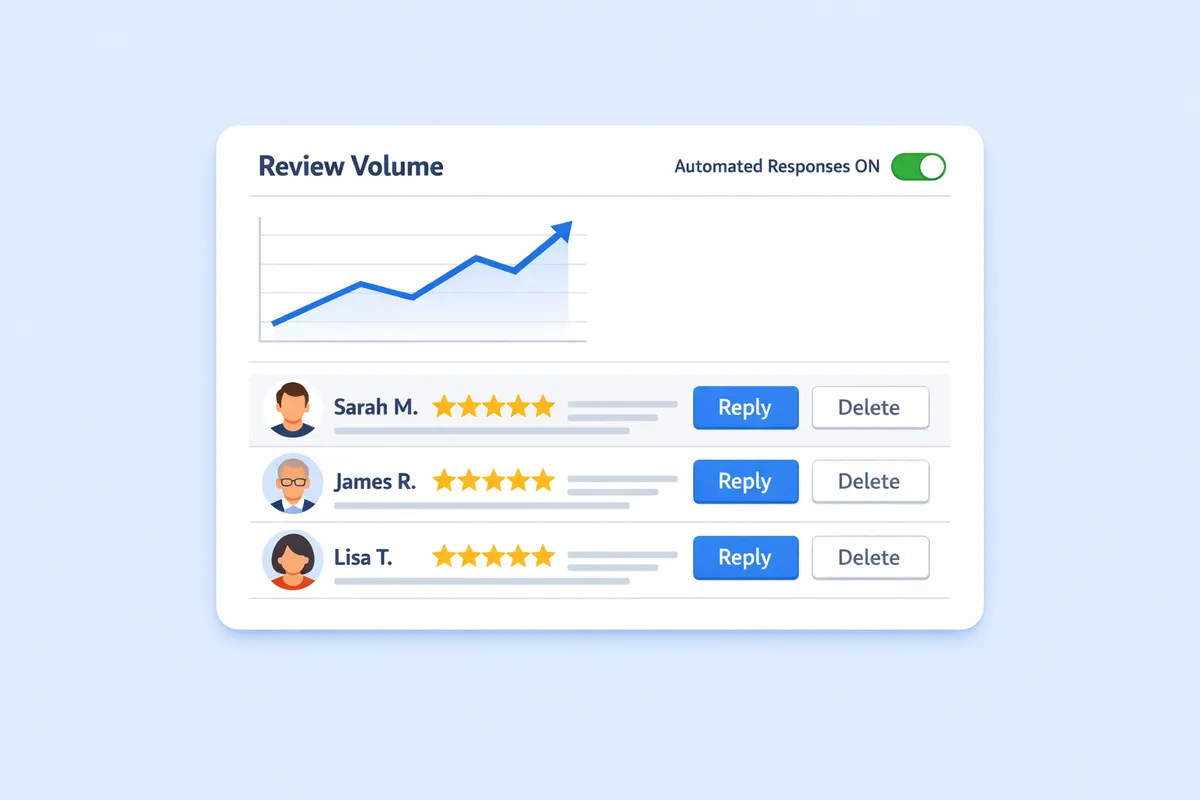
Reviews on Google often influence whether a potential customer decides to engage with your business. According to Google Business Profile help documentation, customers are more likely to visit a location with a strong portfolio of positive reviews and active responses.
Effective customer review management not only builds credibility but also improves local SEO rankings. Responding to reviews, resolving concerns, and celebrating positive feedback create a public record of your customer care commitment.
Key Benefits of Active Google Review Management
- Boosted Visibility – A higher average rating increases click‑through rates from search results.
- Improved SEO – Google considers review quantity, quality, and recency when ranking local businesses.
- Customer Insights – Reviews offer unfiltered feedback about products and services.
- Trust & Transparency – Public responses demonstrate accountability and professionalism.
Essential Tools for Managing Google Reviews
Choosing the right google review management software can transform a daunting manual process into a smooth, automated workflow. Modern platforms include features like real-time notifications, template-based responses, sentiment analysis, and analytics dashboards.
Features to Look For
- Centralized Dashboard – See all incoming reviews in one place.
- Automation Capabilities – AI draft responses and scheduled publishing.
- Multi‑Platform Integration – Manage feedback from Google, Facebook, and Trustpilot in one system.
- Custom Response Templates – Save time while keeping tone consistent.
- Review Monitoring Alerts – Get notified instantly when new feedback appears.
For a detailed look at trusted tools, explore our AI Review Response Generator which crafts fast, personalized replies for every review.
Strategies for Effective Review Responses
Responding thoughtfully to customer reviews—whether positive or negative—is a core component of customer review monitoring.
How to Handle Positive Reviews
- Thank the customer by name if possible.
- Highlight specific elements of their feedback in your reply.
- Mention upcoming offerings or invite them back.
How to Address Negative Reviews
- Keep your tone empathetic and professional.
- Acknowledge the issue clearly.
- Offer a resolution or invite the customer to communicate privately.
When responses are timely and considered, they can turn dissatisfied customers into loyal advocates.
Automating Your Google Review Management
Automation doesn’t mean losing the human touch—it means freeing up time while ensuring no review goes unanswered. By integrating google review management software into your operations, you can:
- Automatically flag reviews requiring urgent attention.
- Generate AI‑enhanced reply suggestions.
- Schedule weekly review summaries for management review.
Automation ensures your team stays proactive, maintaining consistency and speed without sacrificing quality.
How ReviewSense Helps With Managing Google Reviews
Using ReviewSense for manage Google reviews offers a comprehensive approach tailored to modern business needs:
- Unified Review Dashboard – View and respond to Google, Trustpilot, and Facebook reviews in one interface.
- AI-Powered Replies – Generate thoughtful, brand‑safe responses in seconds.
- Monitoring & Alerts – Receive instant notifications for new or updated reviews.
- Analytics & Insights – Identify sentiment trends and customer satisfaction metrics.
By streamlining the entire review management process, ReviewSense enables your team to focus on service improvements rather than repetitive admin work.
Building a Consistent Review Management Routine
Consistency is key. Whether you’re a solo entrepreneur or part of a marketing department, building a review response schedule ensures no customer feedback slips through the cracks.
Best practices include:
- Assigning a specific team role for review monitoring.
- Setting daily or weekly notification checks.
- Logging recurring customer issues for product/service improvement.
Get Started with Smarter Google Review Management
Managing reviews well can dramatically shift the way customers perceive your brand. With the right tools, strategies, and automation, your business can respond quicker, improve satisfaction, and boost search visibility.
Start managing Google reviews smarter with ReviewSense →
Looking to take review management to the next level? Discover our Google Review Management solutions now.